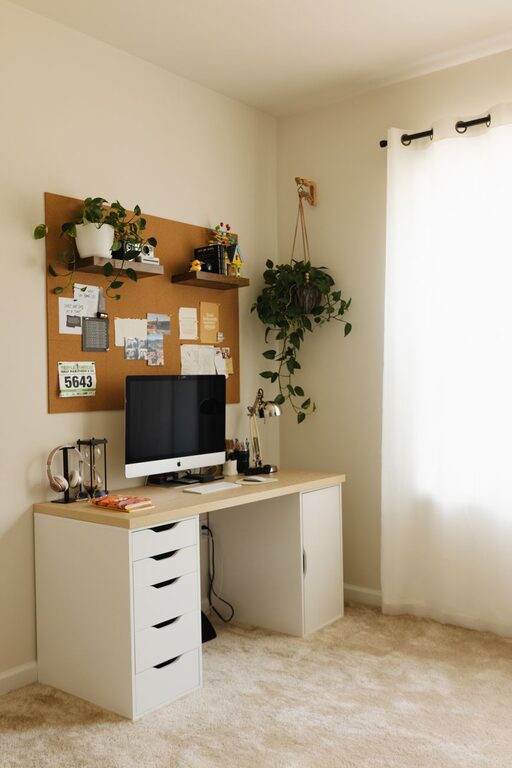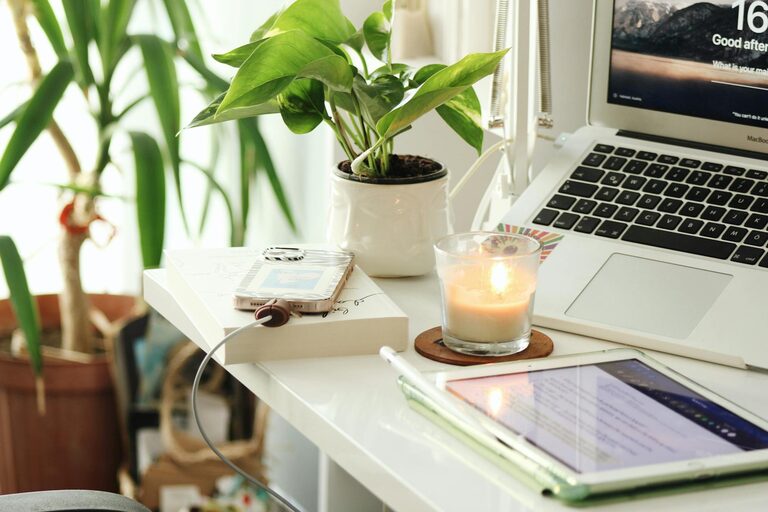
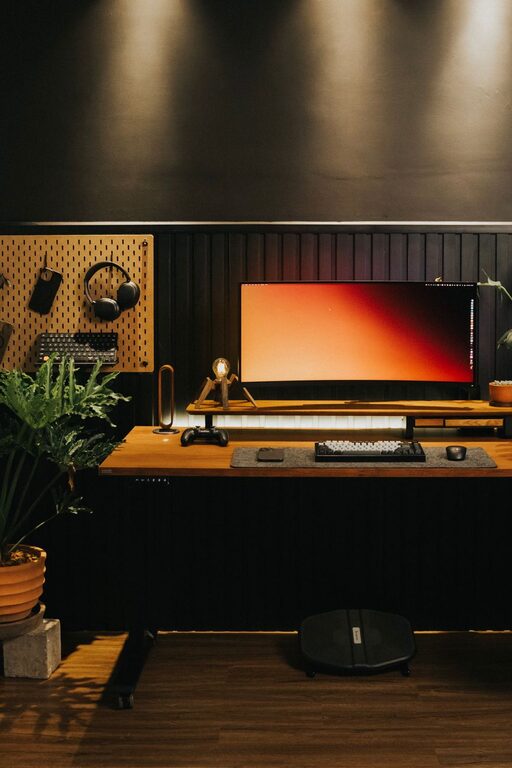
Creating a productive home office environment is essential for anyone working from home, whether full-time or occasionally. A well-designed workspace helps improve concentration, reduces distractions, and encourages work-life balance. In this post, we’ll explore practical tips to help you set up a home office that supports your productivity and comfort.
Choose the Right Location
Selecting the ideal spot for your home office is the first step toward productivity. Consider the following when choosing your workspace:
– Quiet area: Find a space away from household noise to reduce distractions.
– Natural light: Position your desk near a window to take advantage of natural light, which can boost mood and alertness.
– Adequate space: Ensure there is enough room for your desk, chair, and any equipment you need.
If space is limited, consider converting a corner of a living room, bedroom, or even a hallway into a dedicated workstation.
Invest in Ergonomic Furniture
Comfort is key to staying productive during long hours of work. Ergonomic furniture can help prevent discomfort and physical strain.
– Chair: Choose a chair that supports your lower back and promotes good posture. Adjustable features such as seat height and armrests are a plus.
– Desk: A desk at the right height helps keep your arms and wrists comfortable while typing or writing.
– Monitor placement: Position your computer monitor at eye level, about an arm’s length away, to avoid neck and eye strain.
Adding a footrest or standing desk converter are optional extras that can further enhance comfort.
Organize Your Workspace Effectively
An organized workspace can significantly improve focus and reduce stress.
– Declutter regularly: Keep only essential items on your desk and store or discard unnecessary clutter.
– Use storage solutions: Utilize shelves, drawers, and organizers to keep documents, office supplies, and equipment tidy.
– Cable management: Use clips or ties to organize cables and prevent tangling or accidental unplugging.
Consider maintaining a minimalistic setup for better concentration and a calming atmosphere.
Optimize Lighting
Proper lighting is important for both comfort and productivity.
– Natural light: As mentioned, natural light is preferred. If your workspace lacks it, consider adding window treatments that diffuse light rather than block it.
– Task lighting: Use desk lamps to illuminate your immediate work area, especially for tasks that require focus, like reading or detailed work.
– Reduce glare: Position screens to minimize reflections and avoid harsh overhead lighting.
Adjustable lighting sources allow you to control brightness according to the time of day and task at hand.
Establish a Routine and Boundaries
Your home office is more than just a physical space; it’s a mindset. Creating routines and setting boundaries can help maintain productivity.
– Set working hours: Define specific work hours to separate work from personal time and help maintain balance.
– Take breaks: Incorporate short breaks into your day to rest your eyes, stretch, and refresh your mind.
– Limit distractions: Inform family members or roommates about your work schedule to minimize interruptions.
Using techniques like the Pomodoro method (work in focused intervals with timed breaks) can enhance your productivity.
Personalize Your Space
Adding personal touches can make your home office inviting and motivating.
– Decor: Include artwork, plants, or photos that inspire you without cluttering the space.
– Comfort items: Consider a cozy blanket, cushion, or a small fan/heater depending on your climate.
– Inspiring quotes: Place motivational quotes or reminders visible at your desk to boost morale.
The balance is key—make the space pleasant but not overly distracting.
Use Technology Wisely
Technology is a powerful tool for productivity but can also lead to distractions if unmanaged.
– Reliable equipment: Ensure your computer, internet connection, and other devices are dependable to avoid technical interruptions.
– Apps and tools: Use productivity apps for task management, calendar scheduling, and notes to stay organized.
– Notifications: Turn off or limit notifications during focus periods to reduce interruptions.
Regularly update software and maintain backups to prevent data loss.
Maintain Cleanliness and Air Quality
A clean and healthy environment aids concentration and well-being.
– Regular cleaning: Dust and wipe down your workspace frequently to maintain cleanliness.
– Air circulation: Open windows or use air purifiers to ensure fresh air.
– Plants: Adding indoor plants can improve air quality and create a calming atmosphere.
A tidy, well-ventilated space helps you feel refreshed and ready to work.
—
By thoughtfully designing your home office with these tips in mind, you can create an environment that supports focus, comfort, and productivity. A productive workspace not only helps you perform better but also contributes positively to your overall work-from-home experience. Start small, make adjustments as needed, and enjoy the benefits of an efficient home office.
About the Author