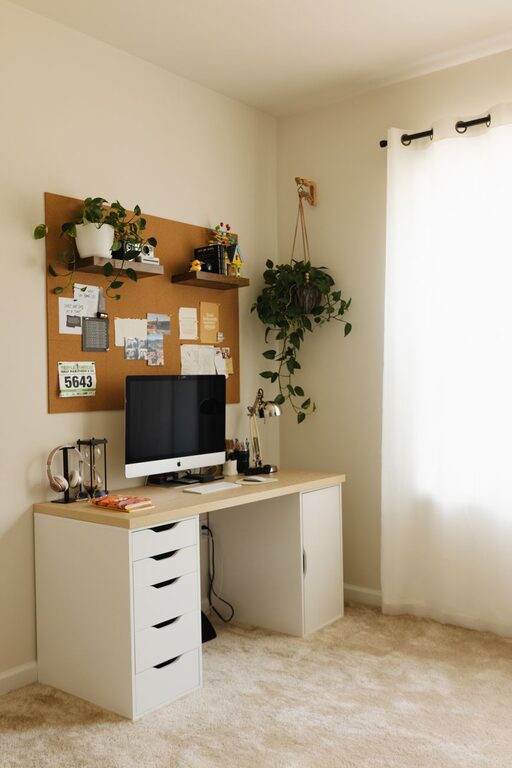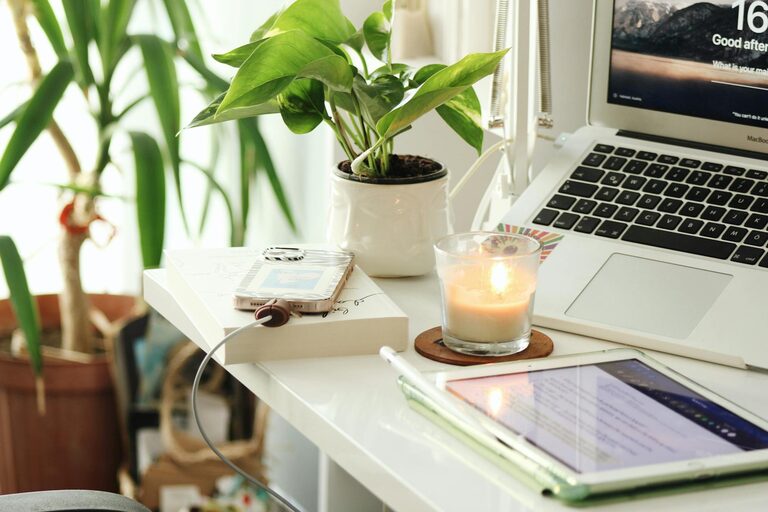
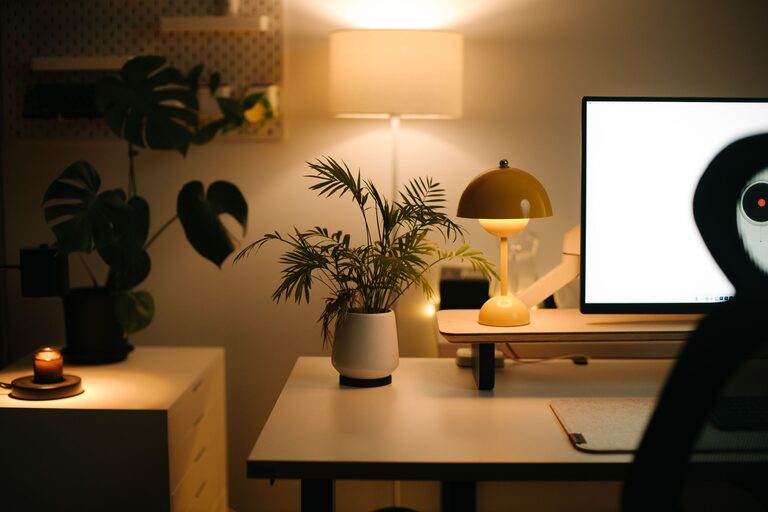
Creating a comfortable and relaxing home workspace is essential for anyone working remotely or spending significant time on personal projects. A well-designed workspace not only helps boost productivity but also supports your overall well-being. In this post, we’ll explore practical tips for transforming your home workspace into a peaceful and efficient environment.
Why a Relaxing Workspace Matters
Your workspace has a direct impact on how you feel and perform throughout the day. An organized, inviting setup reduces stress and distractions, allowing you to focus better. When your environment promotes comfort and calm, it’s easier to maintain motivation and accomplish tasks efficiently.
Choosing the Right Location
Start by selecting a dedicated area in your home that can serve as your workspace. Ideally, this space should be quiet and have minimal foot traffic to reduce interruptions.
– Natural Light: Position your desk near a window if possible. Natural light improves mood and energy levels.
– Away from Noise: Avoid high-traffic areas like the kitchen or living room.
– Separate Work and Relaxation: Having a distinct workspace helps create mental boundaries between work and leisure.
Ergonomic Furniture for Comfort
Comfort is key when spending hours working at a desk. Invest in ergonomic furniture that supports good posture and reduces strain.
– Ergonomic Chair: Choose a chair with adjustable height and lumbar support.
– Desk Height: Ensure your desk allows your arms to rest comfortably at a 90-degree angle.
– Footrest: Consider a footrest if your feet don’t comfortably reach the floor.
Proper ergonomics help prevent discomfort and fatigue, promoting longer periods of productive work.
Organize with Purpose
Clutter can be a significant source of distraction. Organizing your workspace encourages focus and makes it easier to find what you need.
– Storage Solutions: Use shelves, drawers, or bins to keep supplies tidy.
– Cable Management: Tidy cables with clips or sleeves to reduce visual clutter.
– Minimal Essentials: Keep only what you use often on your desk to maintain a clean look.
Regularly cleaning and organizing your workspace can also give you a fresh start each day.
Personalize Your Space
Adding personal touches can make your workspace more inviting and reduce stress.
– Plants: Small indoor plants improve air quality and add a touch of nature.
– Artwork: Hang calming pictures or inspiring quotes.
– Comfort Items: A cozy blanket or a favorite mug can make the space feel more welcoming.
Be careful not to overcrowd your desk—balance personal items with functional space.
Control Lighting and Temperature
Proper lighting and a comfortable temperature are crucial for concentration and comfort.
– Layered Lighting: Combine general lighting with task lighting like a desk lamp.
– Adjustable Brightness: Use dimmers or lamps with adjustable brightness to reduce eye strain.
– Temperature Regulation: Keep the room at a comfortable temperature—neither too hot nor too cold.
Good lighting and temperature control help maintain alertness and reduce fatigue.
Limit Distractions
Distractions can drastically reduce productivity. Find ways to minimize interruptions.
– Technology Use: Turn off unnecessary notifications or use “Do Not Disturb” modes during focused work.
– Clear Boundaries: Inform household members of your work hours to limit interruptions.
– Noise Control: Use noise-cancelling headphones or play soft background music if it helps you concentrate.
Creating a distraction-free zone supports deeper focus and efficiency.
Take Regular Breaks
A relaxing workspace also encourages you to take breaks to refresh your mind.
– Pomodoro Technique: Work for 25 minutes, then take a 5-minute break.
– Stretching: Do simple stretches to reduce muscle tension.
– Step Outside: A brief walk or some fresh air can rejuvenate your energy.
Taking breaks consistently improves overall productivity and well-being.
Incorporate Technology Wisely
Technology can enhance your work experience when used thoughtfully.
– Quality Equipment: Invest in reliable hardware like a good monitor, keyboard, and mouse.
– Wireless Options: Use wireless devices to reduce cable clutter.
– Ergonomic Accessories: Consider wrist rests or adjustable laptop stands.
Stay updated on your tech tools but avoid gadgets that don’t serve a clear purpose in your workflow.
Conclusion
Designing a relaxing home workspace is all about balancing comfort, organization, and functionality. By choosing the right location, investing in ergonomic furniture, controlling lighting, and reducing distractions, you create an environment that supports both productivity and well-being. Remember to personalize your space and take regular breaks to keep your mind fresh. With these tips, your home workspace can become a place where you feel motivated and comfortable every day.
Creating a workspace tailored to your needs takes some effort, but the impact on your daily work life will be well worth it. Start small with one or two changes, and gradually build the perfect environment for success and relaxation.
About the Author